 EN
EN AR
AR RU
RU ZH
ZH FR
FR ES
ES
June 25, 2026 • By KWD
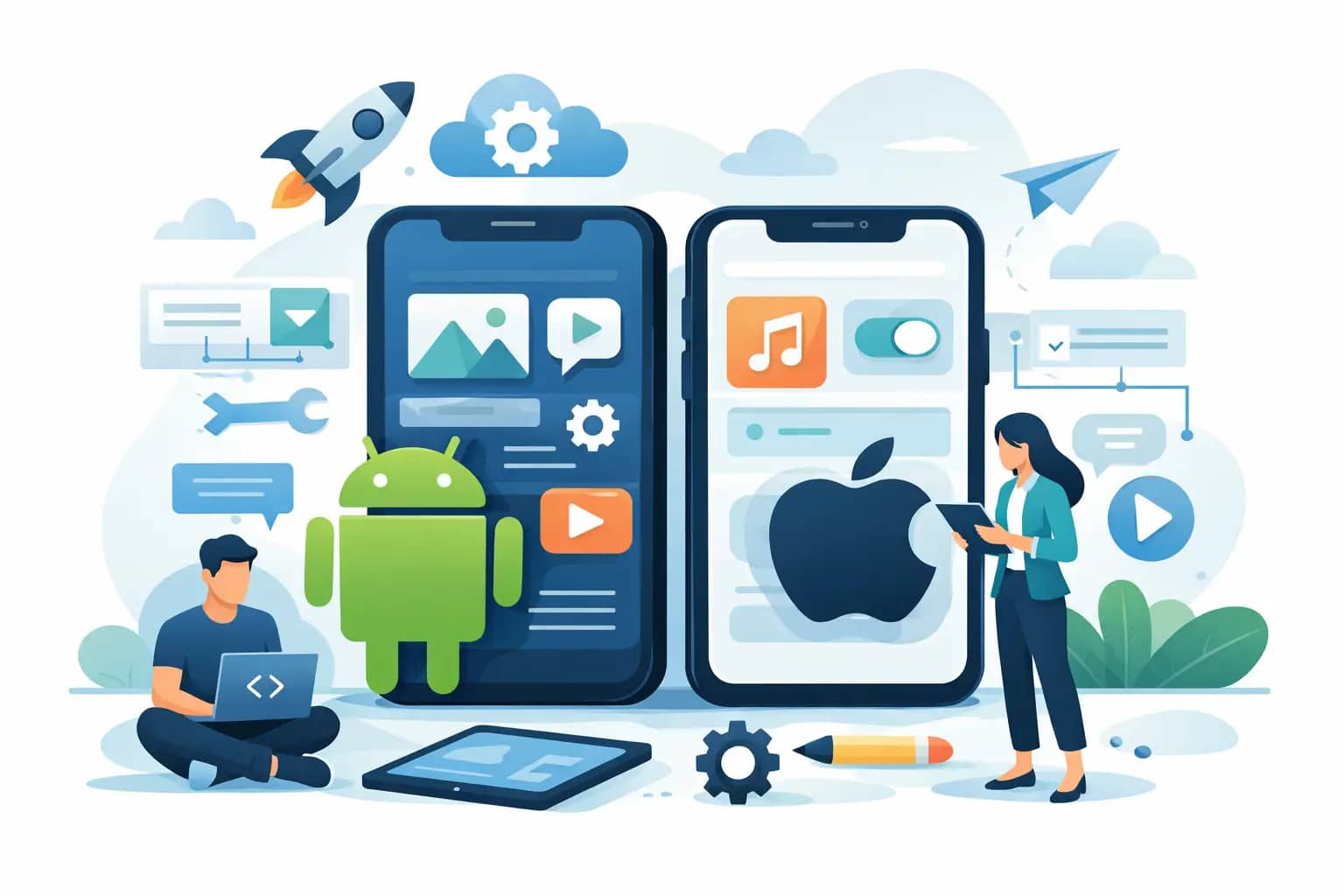
Building an app for Android and iOS requires starting with business clarity—defining what the app should do, who uses it, and how it fits within your wider digital system—before choosing between native or cross-platform development approaches.
Key Takeaways
- Define one clear objective for the app before designing features to avoid scope creep and wasted budget.
- Choose between native and cross-platform based on performance needs and budget, not assumed superiority.
- Plan backend, admin panels, and third-party integrations early to avoid expensive retrofitting later.
- Design focused user experiences with clear actions per screen; clarity matters more than decoration.
- Treat app launch as a milestone, not the finish line; plan for updates, security, and user behavior changes.
A lot of businesses ask for a mobile app when the real question is more specific: what should the app do, who should use it, and how will it support growth? If you are figuring out how to make an app for Android and iOS, the smartest starting point is not code. It is business clarity.
For most companies, an app is not a standalone asset. It is part of a wider digital system that may include a website, internal workflows, payment tools, CRM integration, customer support, and marketing automation. When those pieces are planned together, the app becomes useful. When they are not, even a polished product can struggle to deliver results.
How to make an app for Android and iOS without wasting budget
The biggest mistake in app development is building too much too early. Business owners often imagine every feature that could be helpful, then approve a large scope before testing whether customers want the core experience.
A better approach is to define the app around one clear objective. That objective might be online ordering, appointment booking, service tracking, employee productivity, loyalty engagement, or customer communication. Once the primary use case is clear, the rest of the project becomes easier to scope, design, and budget.
This is where strategy matters. Native development for both platforms can be the right choice for performance-heavy products, but many business apps are better served by a cross-platform approach that reduces duplication and speeds up delivery. The answer depends on your goals, timeline, future roadmap, and the level of device-specific functionality you need.
Start with the business model, not the feature list
Before writing a single line of code, define how the app will create value. Will it generate direct revenue through sales or subscriptions? Will it reduce admin time for your team? Will it improve retention by making repeat orders or service requests easier?
That distinction shapes the product. An app designed to improve internal efficiency needs different user flows than one built for consumers. A retail loyalty app is not scoped like a B2B field service app. If the commercial model is vague, the product usually becomes vague too.
Know your users in practical terms
Many app briefs say the audience is "everyone." That usually leads to weak UX. Your audience should be defined by behavior, not just age or industry.
Ask practical questions. Are users booking quickly while on the go, or spending time comparing options? Do they need Arabic and English support? Will they log in daily, weekly, or only when a service is needed? Are they comfortable with digital onboarding, or do they need a simpler first-use experience?
Those answers influence navigation, screen count, content hierarchy, and authentication. They also affect whether you need features like offline access, push notifications, saved preferences, geolocation, or role-based permissions.
Choosing the right build approach
When clients ask how to make an app for Android and iOS, they often assume there is one standard path. There is not. The right build approach depends on performance requirements, maintenance expectations, and budget discipline.
Native vs cross-platform
Native apps are built separately for Android and iOS using platform-specific technologies. This can offer stronger control over performance, device features, and custom interactions. It is often a good fit for advanced products with complex animations, high-performance requirements, or deep hardware integrations.
Cross-platform apps use a shared codebase for both operating systems. For many business use cases, this is the more efficient option. It can reduce development time, simplify updates, and lower long-term maintenance costs without sacrificing user experience.
The trade-off is not simply quality versus cost. A well-built cross-platform app can perform extremely well. A poorly planned native app can still fail. What matters is choosing the architecture that fits the product, not the one that sounds more advanced.
Backend, admin panel, and integrations
The mobile interface is only one part of the system. Most serious apps also need a backend to manage users, content, transactions, notifications, analytics, and security. In many cases, the admin panel is as important as the app itself because your team needs to control the platform after launch.
If your business already uses ERP, CRM, payment gateways, inventory software, or customer databases, those integrations should be discussed early. Retrofitting them later is possible, but usually more expensive and more disruptive.
Design decisions that affect adoption
App design should not be treated as decoration. It directly affects whether users complete tasks, trust the platform, and come back.
The best mobile UX is focused. Each screen should support a clear action. If users need to think too hard about what to tap next, friction increases. That is especially true for registration, checkout, booking, and support requests.
Visual consistency matters, but clarity matters more. Buttons should be obvious. Forms should be short. Error states should help users recover quickly. If your app serves multiple audiences, such as customers, staff, and managers, their journeys should be structured separately rather than forced into one crowded interface.
Design for scale from day one
A common problem is designing version one as if it will never grow. Then the business adds new services, new markets, or new user roles, and the app structure starts to break.
A more reliable approach is to create a design system and information architecture that can evolve. That does not mean building every future feature now. It means making sure the foundation supports growth without a full redesign six months later.
Budget, timeline, and what really drives cost
There is no universal app price because cost is driven by scope. A simple app with login, content pages, contact forms, and basic notifications is very different from a platform with live tracking, payment processing, multi-user permissions, custom dashboards, and API integrations.
The factors that most affect cost are the number of screens, feature complexity, backend requirements, third-party integrations, design depth, security standards, and post-launch support. Bilingual content, custom dashboards, and workflow automation also add planning and development time.
If you want a realistic budget, ask for phased planning instead of one large estimate based on assumptions. A focused MVP often delivers better commercial value than a feature-heavy first release. It gets the product into users' hands faster and creates room for informed iteration.
Do not treat launch as the finish line
Launching to the App Store and Google Play is only one milestone. Real app performance is measured after release: installs, active users, retention, support issues, crash data, conversion rates, and feature adoption.
This is why maintenance matters. Operating systems change. Devices change. Security standards change. User behavior changes. Businesses that plan for updates from the beginning tend to get more value from their apps over time.
Common risks that delay app projects
Most delays are not caused by development alone. They usually come from unclear approvals, changing scope, missing content, undocumented business rules, or late integration decisions.
Another common issue is assigning app ownership to too many stakeholders without a clear decision-maker. Input is useful, but product decisions still need direction. Without it, feedback loops get longer and the project loses focus.
Security is also often underestimated. If your app handles user accounts, payments, personal data, or operational records, security cannot be added as an afterthought. It should be built into architecture, access control, hosting, and update planning from the start.
What a strong app project looks like
A well-run project usually moves through a clear sequence: discovery, scope definition, UX planning, UI design, development, testing, deployment, and support. That may sound standard, but the difference is in execution.
Strong teams challenge assumptions early. They ask whether a feature is necessary, whether an integration belongs in phase one, and whether the app should solve the entire problem or only the highest-value part first. That discipline protects quality and budget at the same time.
For businesses in growth mode, the right development partner should do more than build screens. They should help shape the product, identify trade-offs, and align the app with your wider digital operations. That is where long-term value is created. At DATA, that is exactly how app projects are approached - as tailored business systems, not generic software packages.
If you are planning a mobile product, the best next step is not asking how fast it can be built. It is asking what the app needs to achieve in the first six months after launch, because that answer will shape every smart decision that follows.

